Turn Twitch VODs into clips worth posting.
Paste a past broadcast, highlight or clip link. Audience Labs reads the whole stream, finds the moments that stand on their own and hands them back as 9:16 clips with captions burned in.
In private Beta · Free, invite-only.
- Past broadcasts
- Highlights
- Twitch clips
- TikTok · Shorts · Reels
Illustrative example. Clip cut from public-domain NASA footage. NASA does not endorse Audience Labs. Sources
Everything between the Twitch link and the upload.
Your VOD link
A past broadcast or highlight from twitch.tv/videos, or a Twitch clip. The length shows as soon as you paste it.
Every word timed
Laughs, shouts and sudden silences are marked too, so the loud moments are easy to find.
Complete moments
Claude, an AI model developed by Anthropic, reads the whole stream and picks setup, payoff and reaction together. The timing comes from the transcript, never guessed.
Vertical, captioned
Reframed to 9:16 with captions burned in word by word, then waiting in your review queue.
Still live? Clip it when it ends.
A stream that is still live can't be cut yet. Save your channel, mark the live broadcast “Clip when it ends”, and it is picked up a few minutes after you go offline, then clipped like any other VOD.
Every new broadcast, clipped on its own.
Turn on auto import for a saved Twitch channel and each broadcast that ends from then on is imported and clipped without pasting a link. Older broadcasts stay where they are unless you pick them.
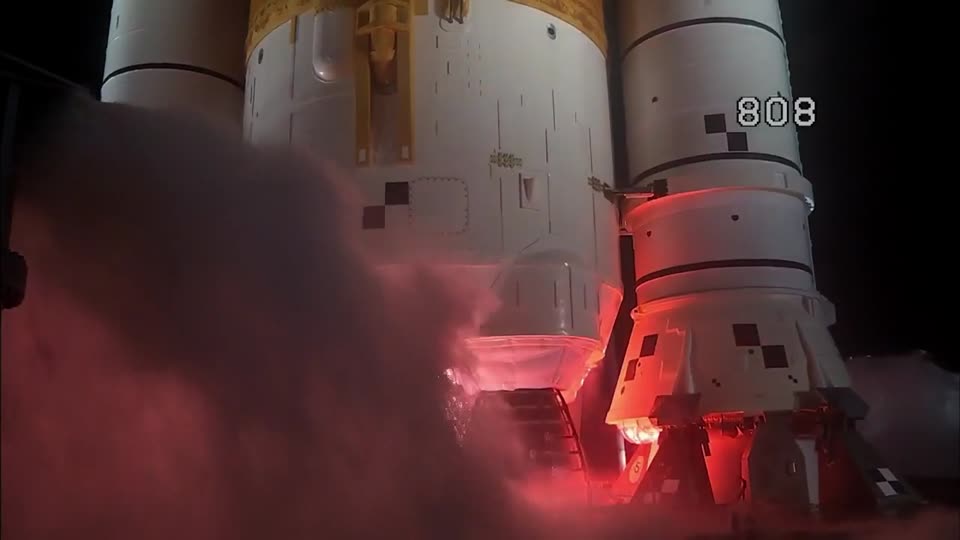
Illustrative examples on public-domain NASA footage. NASA does not endorse Audience Labs. Sources
Captions burned in, word by word.
Nine styles, timed to every spoken word. Here are four. Pick one per clip or set a default.
Pod
Clean, two words at a time
Reels
Classic boxed subtitles
Beasty
One loud word at a time
Hype
Kinetic, word-by-word spotlight
Rendered by the real caption pipeline on public-domain NASA footage. NASA does not endorse Audience Labs. Sources
Twitch questions, answered.
Which Twitch links work?
Past broadcasts and highlights (twitch.tv/videos/…) and clips (clips.twitch.tv/… or twitch.tv/channel/clip/…). A stream that is live right now can't be clipped until it ends; mark it “Clip when it ends” instead.
How long can a VOD be?
Up to 2 hours per video, and 10 hours of video in any 7 days, during the private beta.
Does it post to my accounts?
No. Clips are prepared for TikTok, YouTube Shorts and Instagram Reels and wait in a review queue. You download them and decide what goes out.
What happens to my video after clipping?
The source video is kept only to make clips and is deleted after 30 days unless you save it.
What does it cost?
It is free during the private beta. Pricing for later hasn't been set, and beta testers will hear about it first.
Your last stream already has the clip in it.
In private Beta · Free, invite-only.
Frame from public-domain NASA footage. NASA does not endorse Audience Labs. Sources