Turn webinars, talks and launches into clips.
Upload the recording of a webinar, conference talk, product launch or company livestream. Audience Labs finds the lines worth sharing and prepares them as captioned clips for TikTok, Shorts and Reels, or subtitles the full recording in its own frame.
In private Beta · Free, invite-only.
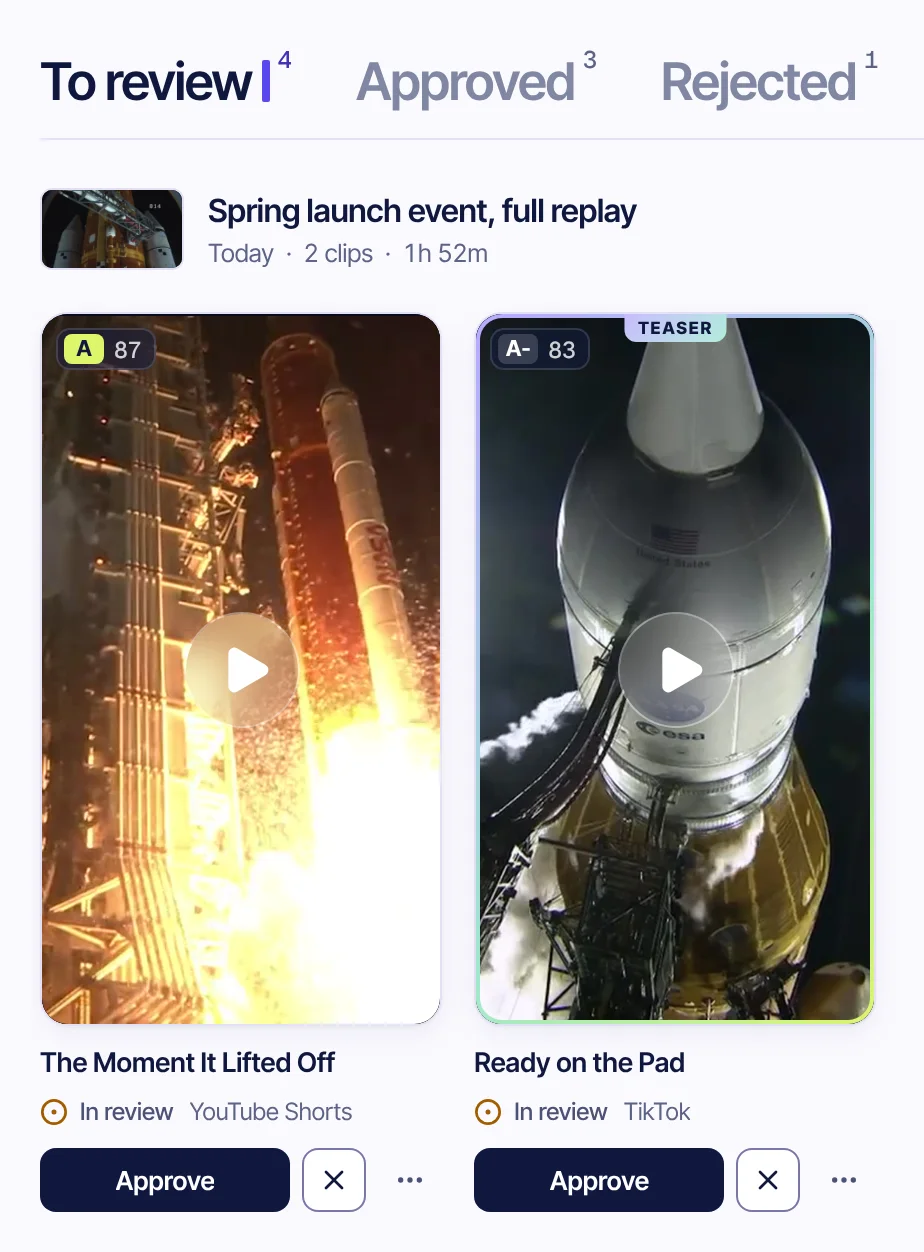
Clip covers from public-domain NASA footage. NASA does not endorse Audience Labs. Sources
From recording to post
Four steps, and one of them is yours.
Upload or paste a link
A webinar, conference talk, launch stream or interview: an MP4, MOV, WebM, MKV or M4V file, or a YouTube link.
The lines worth sharing
Claude, an AI model developed by Anthropic, reads the transcript and picks moments that make sense on their own, setup and point together.
You approve
Every clip waits in the review queue. Approve it, reject it, or change the captions and render it again.
Download and post
Take what you approved one by one or in one ZIP, and post it from your own accounts. Nothing is posted for you.
Your look
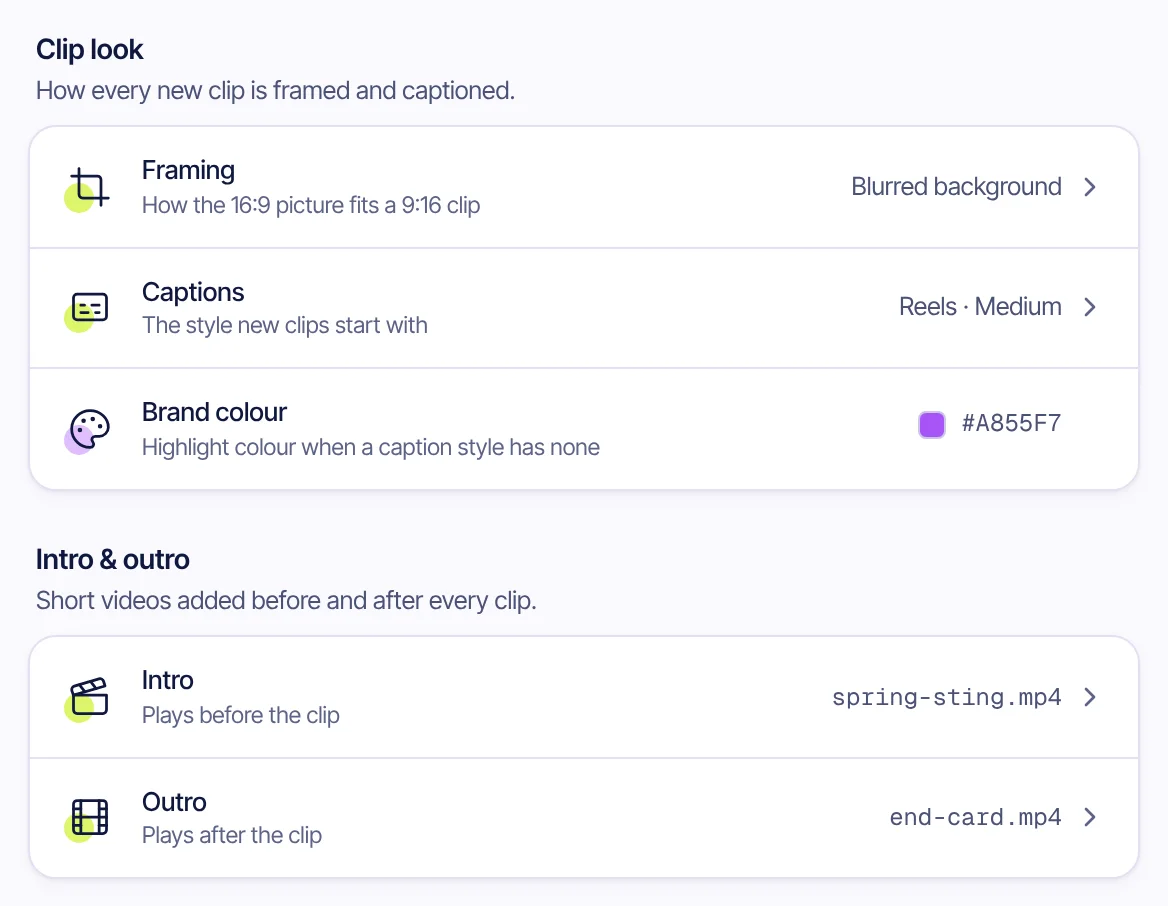
Set it once. Every clip follows it.
Choose the framing and the caption style new clips start with, a highlight colour, and a short intro and outro video that play before and after every clip, scaled to its size.
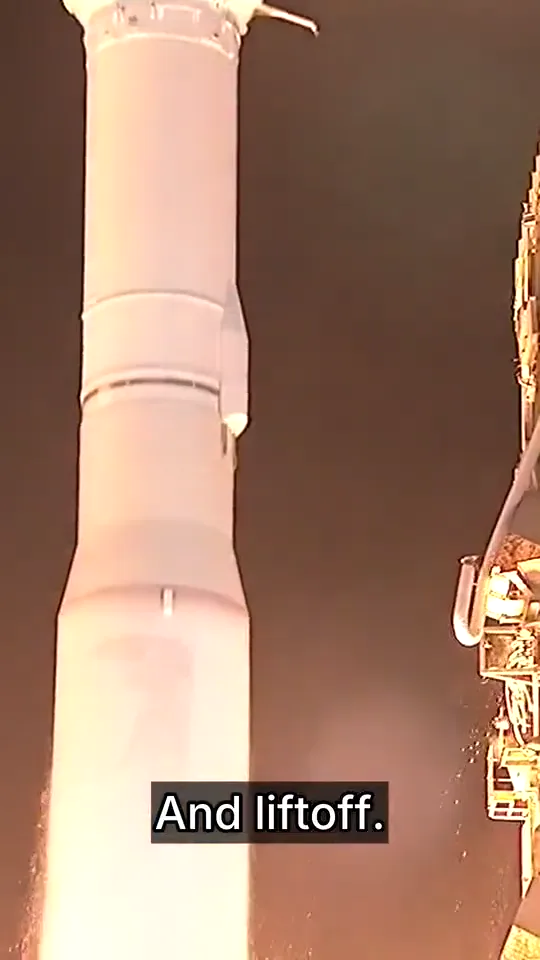
Reels
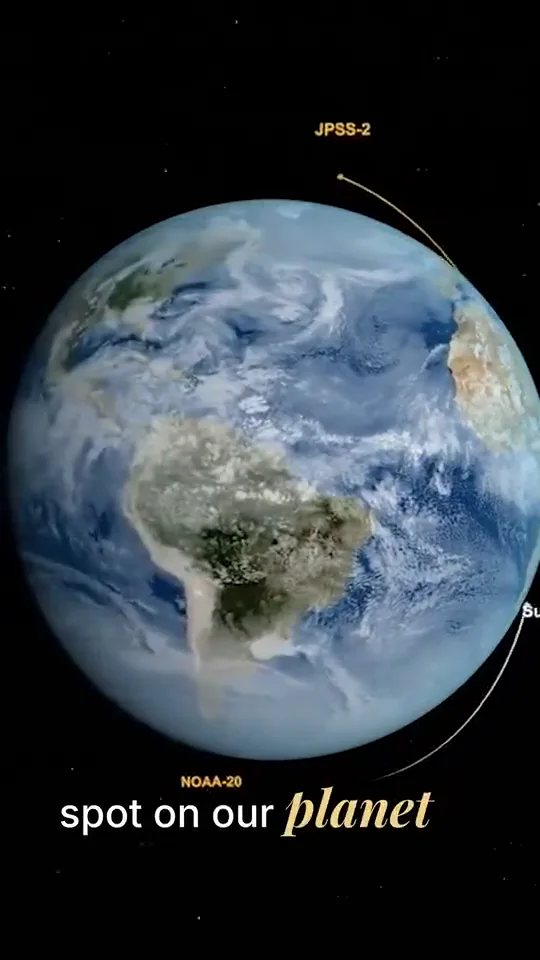
Story
Illustrative examples. Clips cut from public-domain NASA footage. NASA does not endorse Audience Labs. Sources
The full recording
Keep the whole talk, with subtitles.
Choose “Don't clip” before the analysis starts and the recording comes back in its own frame, subtitled from start to finish. Fix any line in the list beside it and render again.
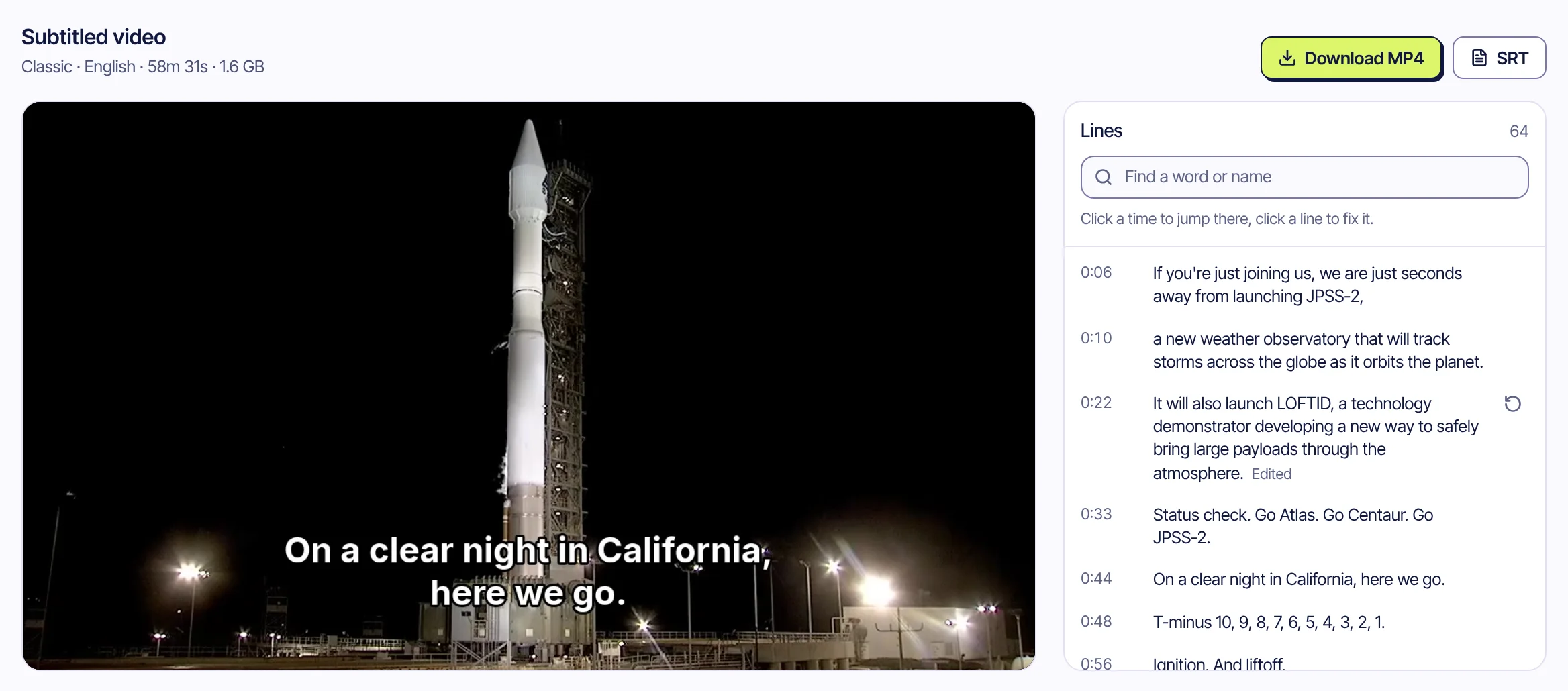
Demo data. The video and its lines come from public-domain NASA footage. NASA does not endorse Audience Labs. Sources
- Subtitles burned inClassic, Boxed or Karaoke, or any clip caption style, at the bottom or the top of the video's own frame.
- An SRT file tooFor any player or platform that takes a caption file.
- 10 languagesTranslate the lines and render the same talk again.
Your recordings
What happens to your recordings.
Only your account
Recordings, transcripts and clips are visible to the account that added them.
Deleted after 30 days
A recording and everything made from it is deleted automatically 30 days after you add it, unless you save it.
Every processor listed
The transcript is read by Claude, an AI model developed by Anthropic. The Privacy Policy names every service involved.
Questions
What companies ask us
Does it post to our accounts?
No. Clips are prepared for TikTok, YouTube Shorts and Instagram Reels and wait in a review queue. You download what you approve and post it yourself.
Can we subtitle a full webinar without clipping it?
Yes. Pick “Don't clip” before the analysis starts and you get the whole video back with subtitles burned in, an SRT file, and translations if you want them.
Who sees our recordings?
Only your account. A recording and everything made from it is deleted automatically after 30 days unless you save it. The transcript is read by Claude, an AI model developed by Anthropic, to find the moments; the Privacy Policy lists every processor.
Which languages work?
The spoken language is detected automatically. Today the analysis and captions are tuned for English and Turkish.
What does it cost?
It is free during the private beta. Pricing for later hasn't been set, and beta testers will hear about it first.
The keynote already has the clip in it.
In private Beta · Free, invite-only.
Also for creators, clippers, educators and sports channels.