Stream once, post clips all week.
Save your Twitch, Kick or YouTube channel and each stream is clipped when it ends. The moments that stand on their own come back as vertical clips with captions burned in, ready for TikTok, Shorts and Reels.
In private Beta · Free, invite-only.
Mon
Late-night ranked grind, road to Diamond
Nova Plays · 1h 52m · ended 23:56

Tuefrom 21:16
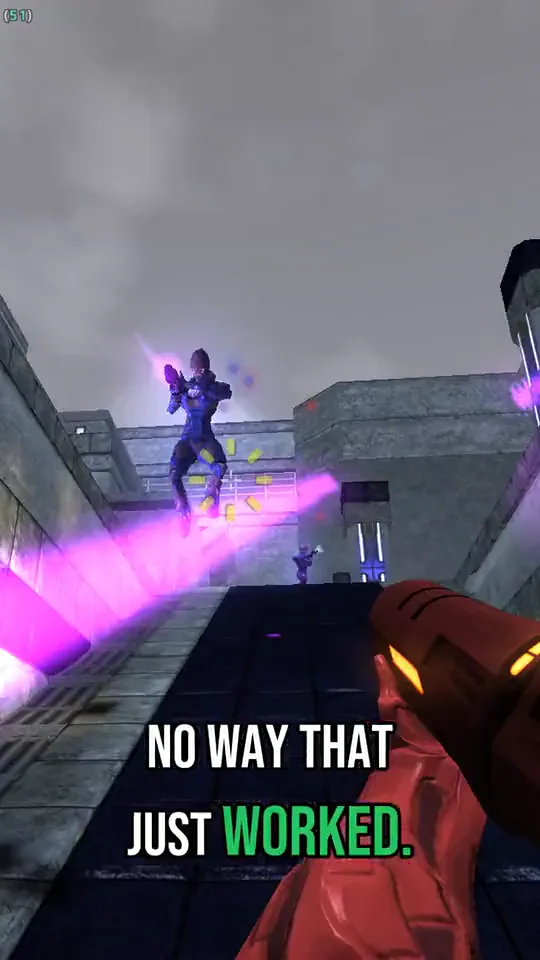
1v4 Clutch on One HP
Wedfrom 34:21
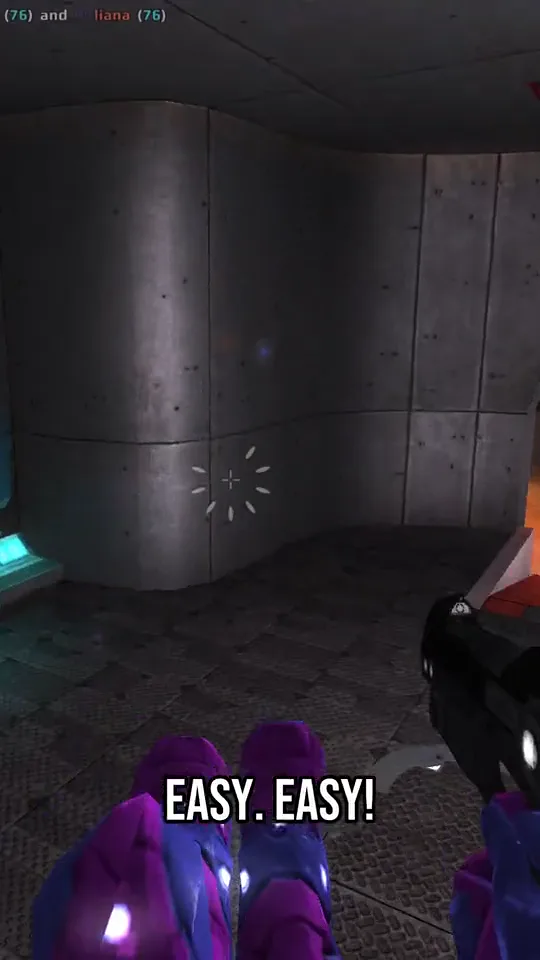
He Said the Map Was 'Easy'
Thufrom 47:45
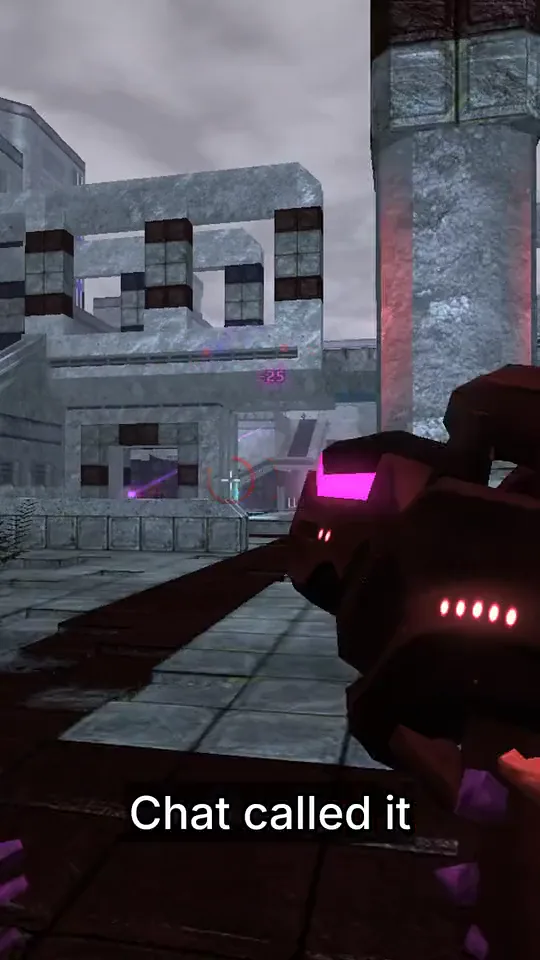
Chat Called It Before I Did
Frifrom 1:00:24
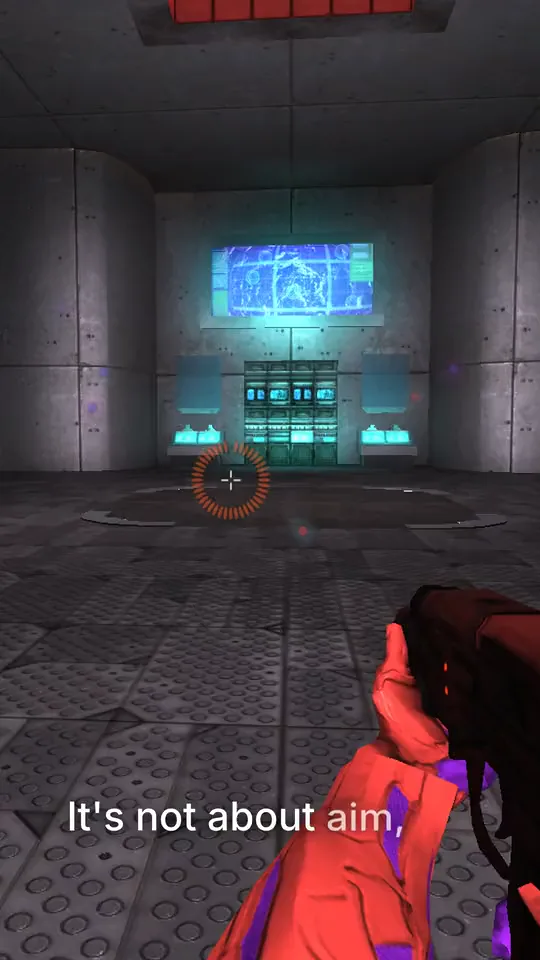
Why I Stopped Playing Aggressive
Satfrom 1:10:04
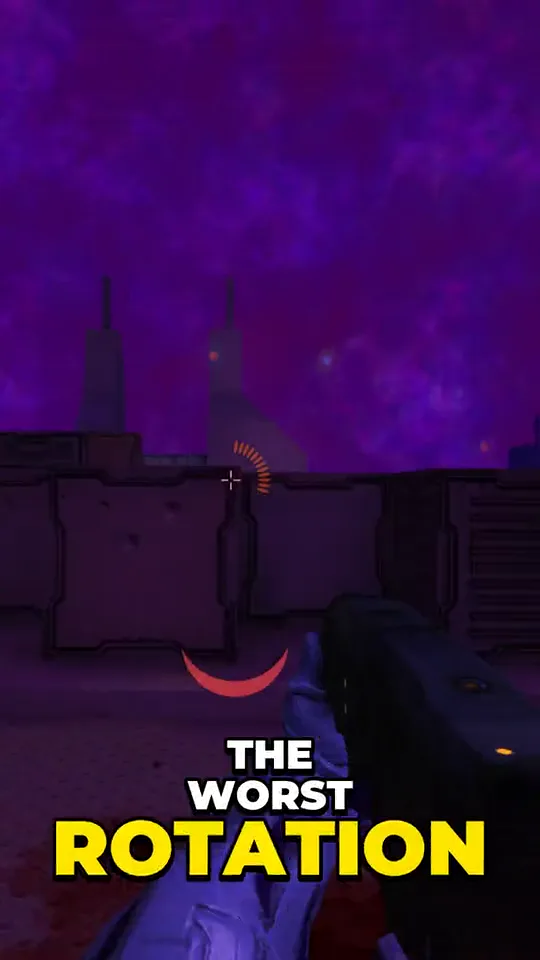
The Worst Rotation in Ranked History
Sunfrom 1:22:32
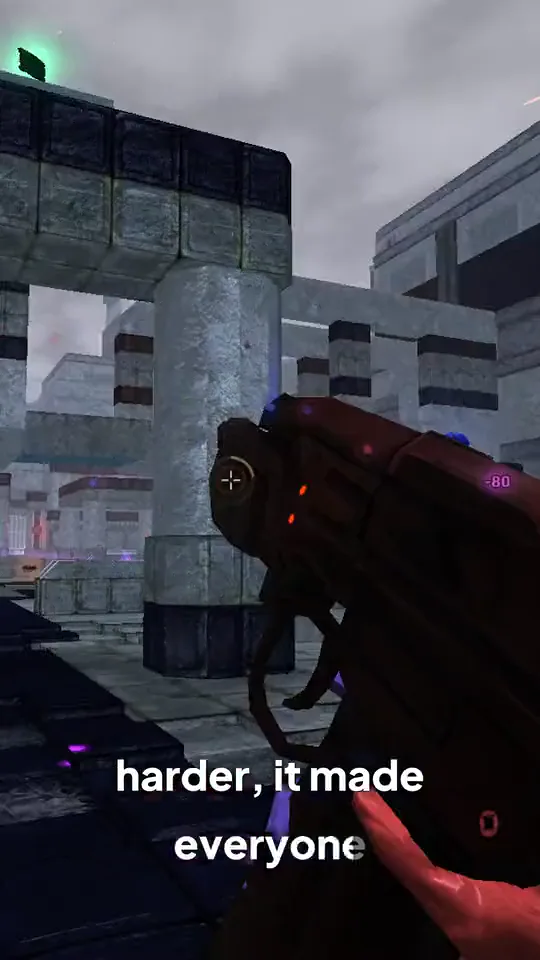
The New Patch Made Everyone Lazier
While you sleep
End the stream. The clips start on their own.
Save your channel once
Add your Twitch, Kick or YouTube channel and turn on auto import. Every stream that ends from then on is imported and clipped, with no link to paste.
Still live? Mark it
A stream that is live right now shows in the New VOD panel. Mark it “Clip when it ends” and it is picked up a few minutes after you go offline.
Wake up to clips
Each moment that stands on its own renders as a finished vertical clip with captions burned in. Claude, an AI model developed by Anthropic, picks them from the transcript, setup and payoff together.
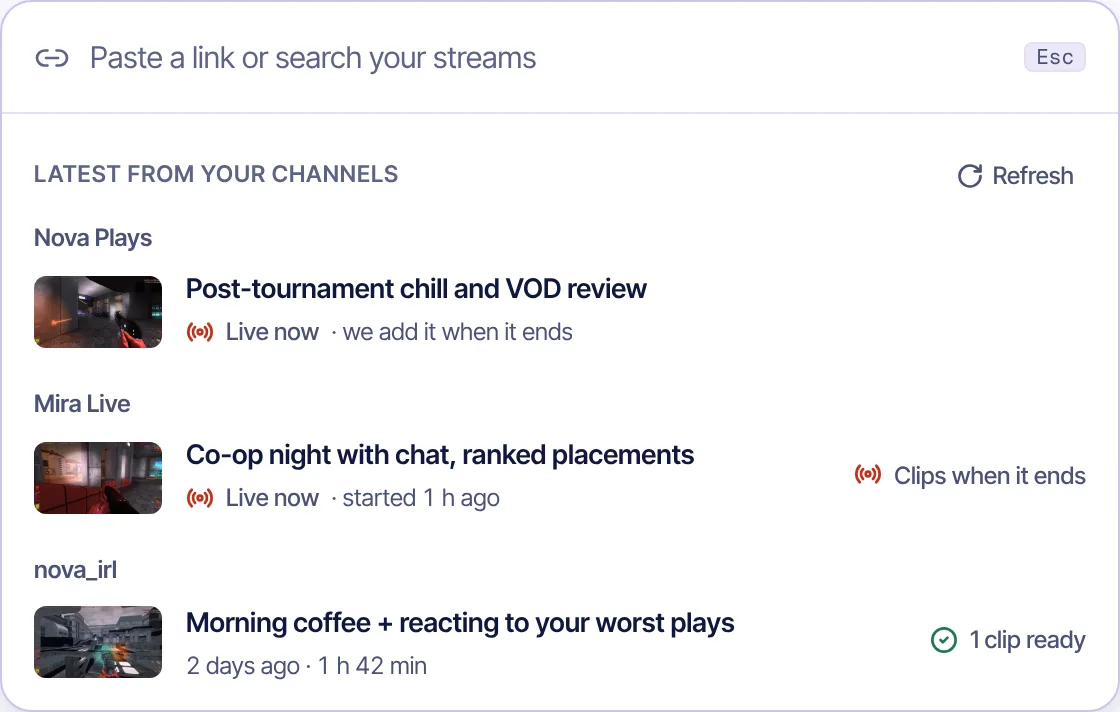
The New VOD panel with three saved channels (demo data).
Your look
Every clip opens ready to change.
Pick a caption style per clip or set one as your default, fix a word the transcript got wrong, and render again.
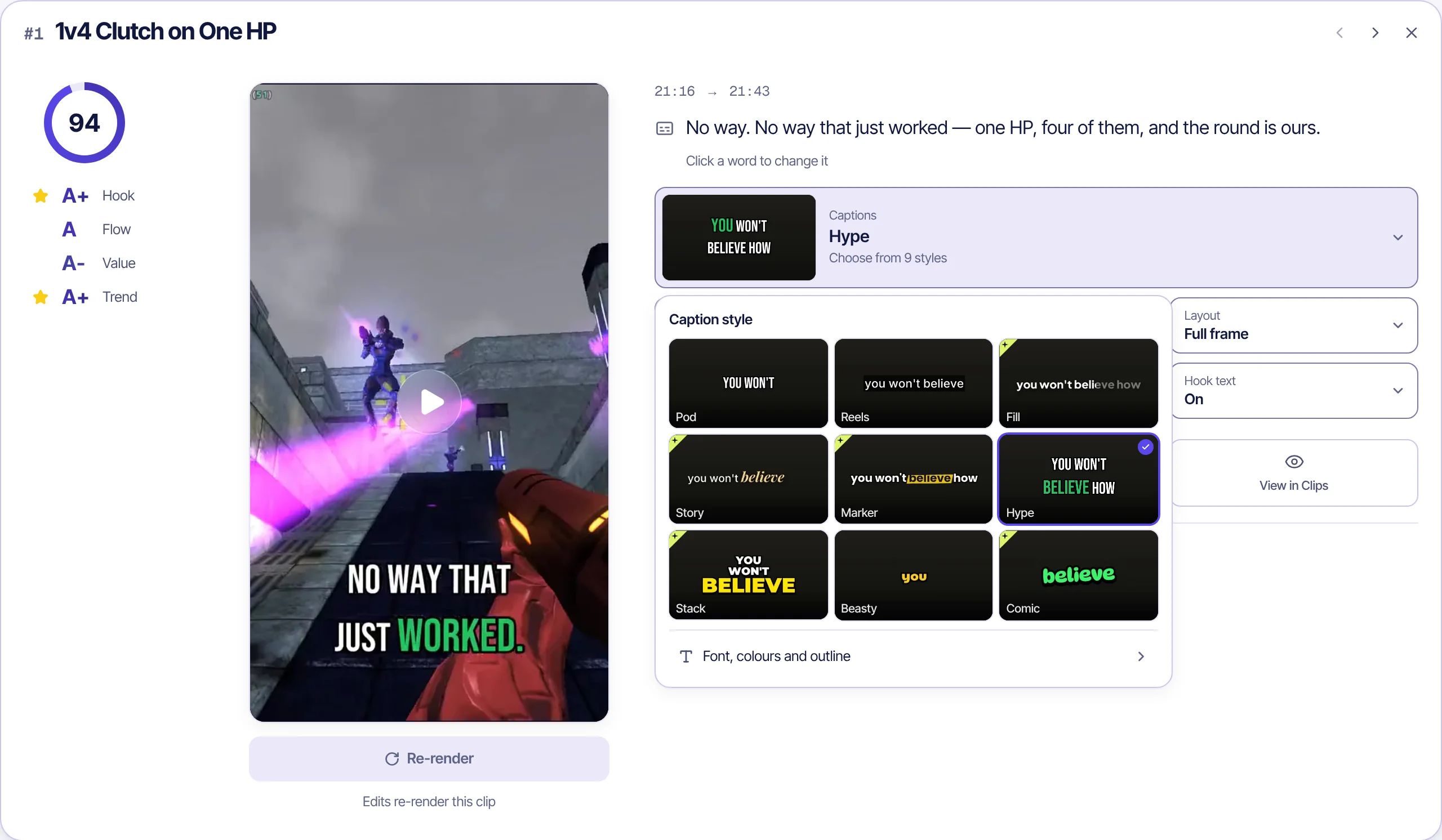
- Score and gradesA score out of 100 and grades for Hook, Flow, Value and Trend, so you know which clip to post first.
- Click a word to change itThe transcript under the clip is editable. Names and slang come out right after one render.
- 9 caption stylesFrom two-word Pod captions to a big stacked keyword. The style you pick sticks to that clip.
What comes with each clip
Titles and hashtags
A title, caption and hashtags for TikTok, Shorts and Reels come with each clip, to copy or rewrite.
A teaser to open on
A clip can start with a second or two of its own payoff, so the first frame already gives a reason to stay.
One clip or all of them
Download a single clip, or every rendered clip of the stream in one ZIP.
Questions
What creators ask us
Which links work?
Twitch past broadcasts, highlights and clips, Kick VODs and clips, and YouTube videos and livestream replays. You can also upload a video file.
Does it post to my accounts?
No. Clips are prepared for TikTok, YouTube Shorts and Instagram Reels and wait in a review queue. You download them and decide what goes out.
Which languages work?
The spoken language is detected automatically. Today the analysis and captions are tuned for English and Turkish.
What happens to my video after clipping?
The source video is kept only to make clips and is deleted after 30 days unless you save it.
What does it cost?
It is free during the private beta. Pricing for later hasn't been set, and beta testers will hear about it first.
Your last stream already has a week of clips in it.
In private Beta · Free, invite-only.
Also for clippers, educators, companies and sports channels.