Turn lectures and webinars into short lessons.
Upload a recorded lecture, course module, webinar or live Q&A. Audience Labs finds the explanations that stand on their own and hands them back as captioned clips, or subtitles the whole recording when it should stay in one piece.
In private Beta · Free, invite-only.
A Is for Atom · 1953 · 15 min
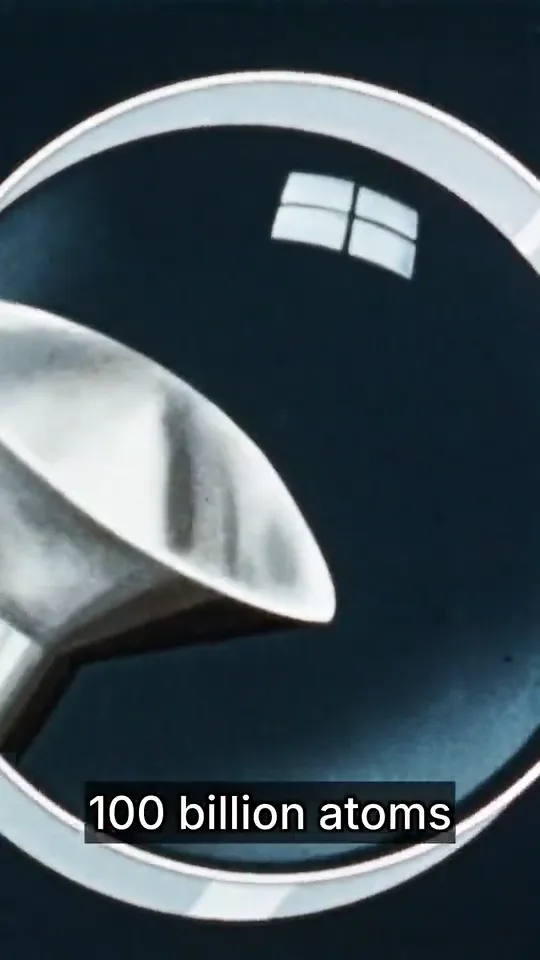
How small an atom is
from 1:39
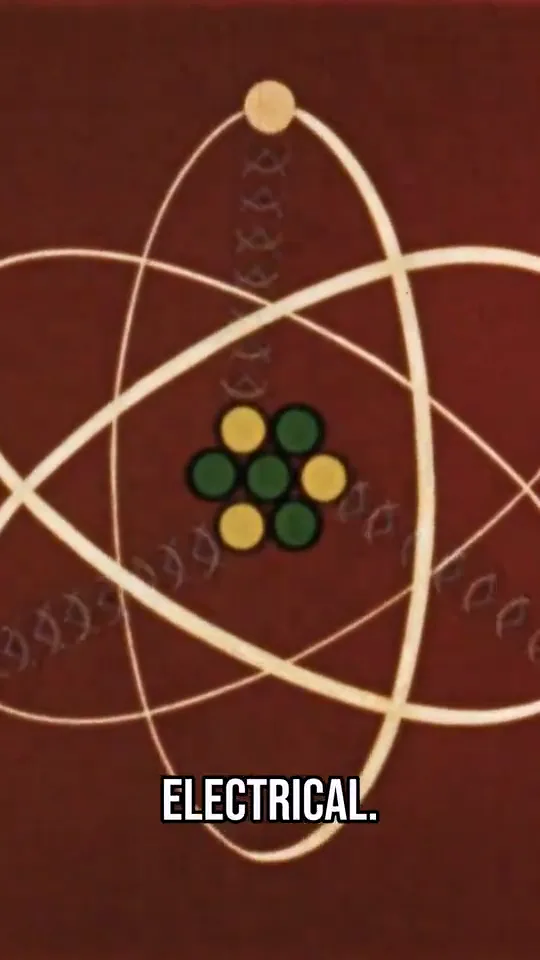
What holds an atom together
from 3:00
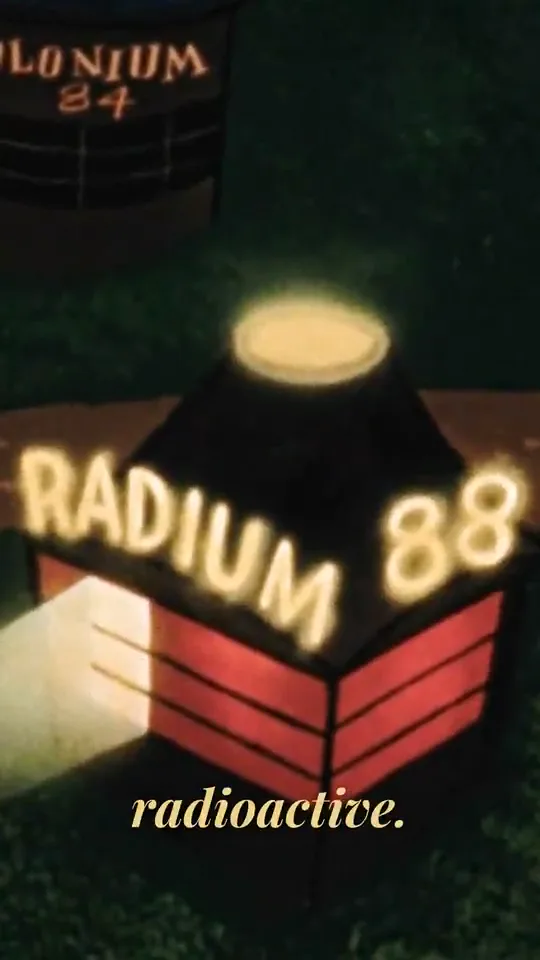
Stable or radioactive
from 5:08
One recording, two ways
Short lessons, or the whole lecture with subtitles.
Upload the recording (MP4, MOV, WebM, MKV or M4V) or paste a YouTube link, then choose what comes back. You can switch until the transcript is done.
Clip itDon't clip
One idea per clip
Claude, an AI model developed by Anthropic, reads the lecture and keeps each explanation whole, from the question to the point where it clicks. Each one comes back as a vertical clip with captions timed to every word.
- 1:39“A particle so infinitely small that it takes over 100 billion atoms to make up the head of a pin.”
- 3:00“The solar system is held together by gravitation, while the force holding the atom together is electrical.”
- 5:08“Most atoms of most elements are content with their lot in life.”
The lines behind the three lessons above.
Clip itDon't clip
The whole lecture, subtitled
Keep the recording in its own frame and get it back with subtitles burned in, plus an SRT file for your course platform. Pick the look and position, and a language to translate into.
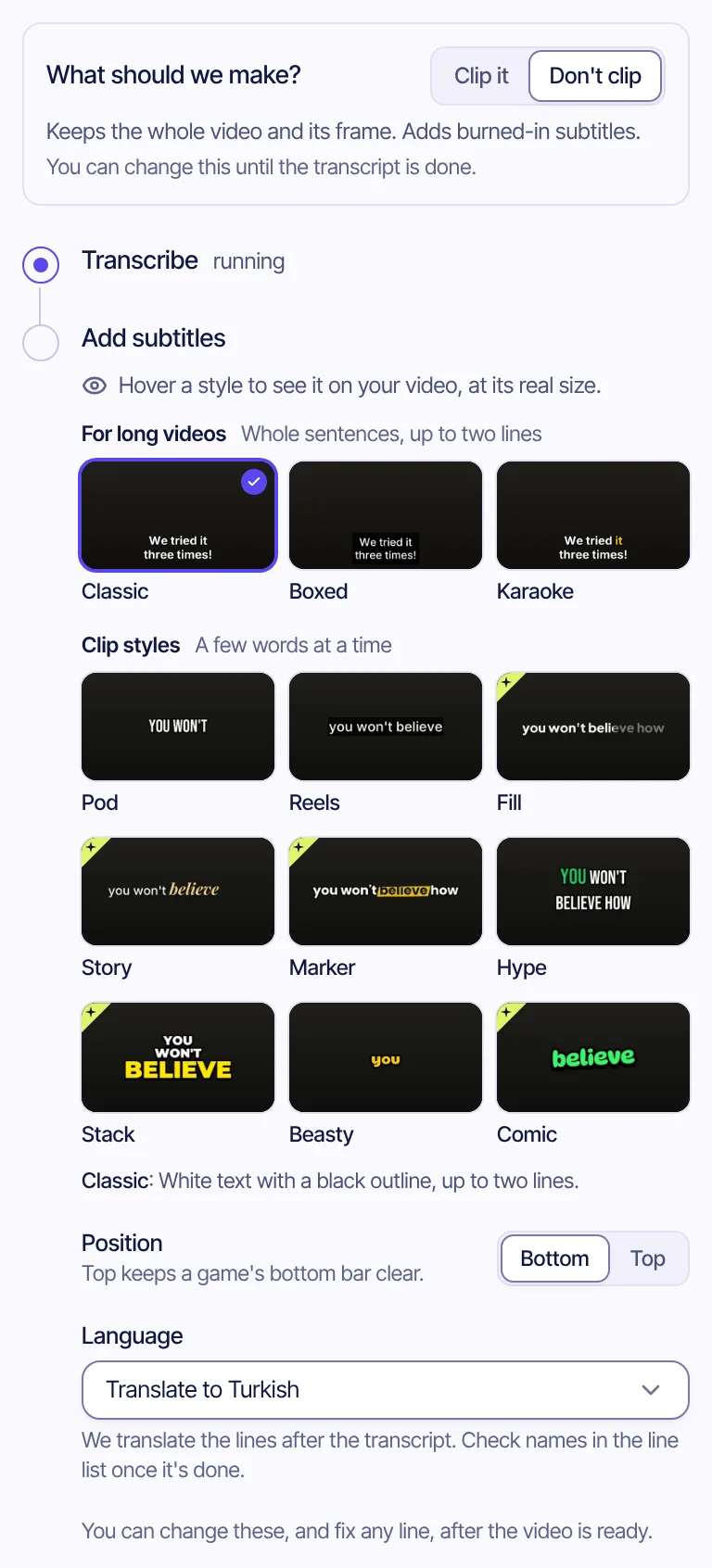
Before it's burned in
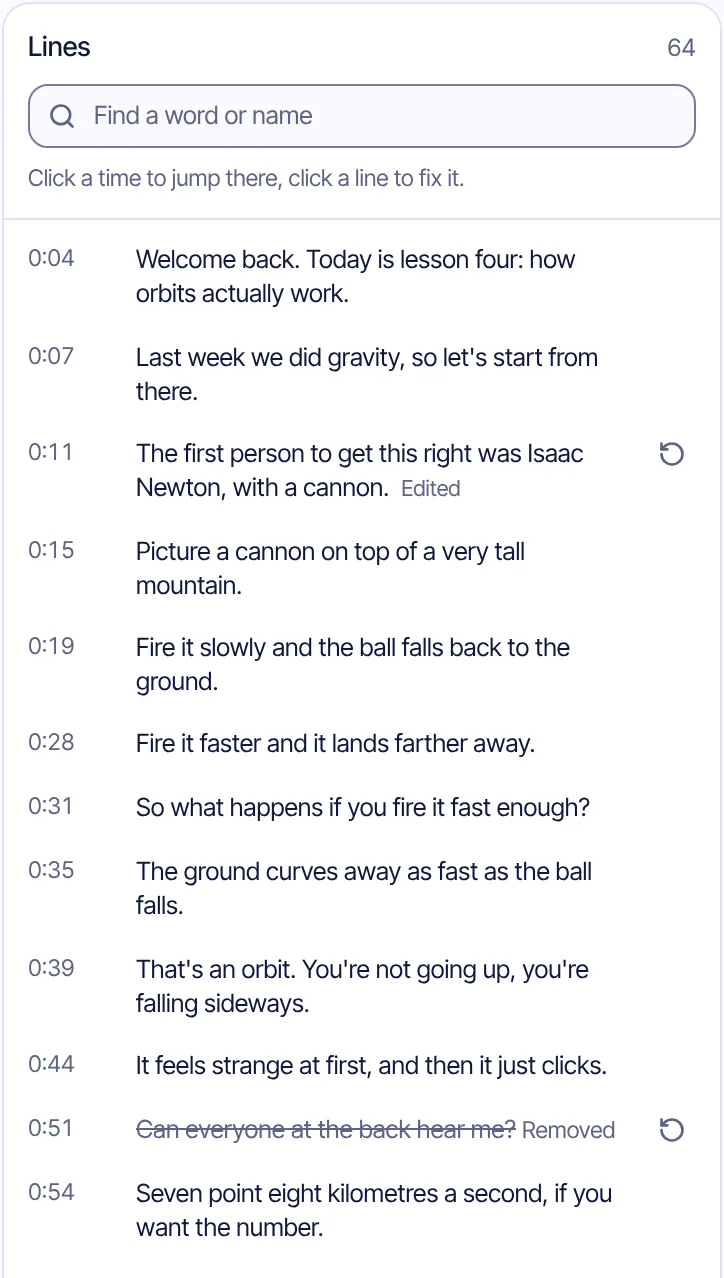
Spell Newton right. Cut the aside.
Every subtitle line is listed with its time. Fix what the transcript misheard, then save and render again. The old file stays until the new one is ready.
- Find a word or nameSearch the lines for a term or a student's name.
- Fix a lineClick it and type. The line keeps its timing; Edited marks it, and one click undoes it.
- Remove a lineAsides like “can everyone hear me?” come out of the subtitles. Struck through, so you can bring them back.
Translate
The same lecture, in 10 languages.
The lines are translated after the transcript and burned in like the original. Check names in the line list once it's done.
- English
- Turkish
- Spanish
- Portuguese
- German
- French
- Italian
- Dutch
- Polish
- Indonesian
Questions
What educators ask us
Which files can I upload?
Video files in MP4, MOV, WebM, MKV or M4V. YouTube video links work too.
Can I subtitle a lecture without clipping it?
Yes. Pick “Don't clip” before the analysis starts and you get the whole video back with subtitles burned in and an SRT file.
Which languages can subtitles be translated into?
English, Turkish, Spanish, Portuguese, German, French, Italian, Dutch, Polish and Indonesian.
Which languages work?
The spoken language is detected automatically. Today the analysis and captions are tuned for English and Turkish.
What happens to my video after clipping?
The source video is kept only to make clips and is deleted after 30 days unless you save it.
What does it cost?
It is free during the private beta. Pricing for later hasn't been set, and beta testers will hear about it first.
Your best explanation is already on tape.
In private Beta · Free, invite-only.
Also for creators, clippers, companies and sports channels.