Turn every episode into clips with both of you in frame.
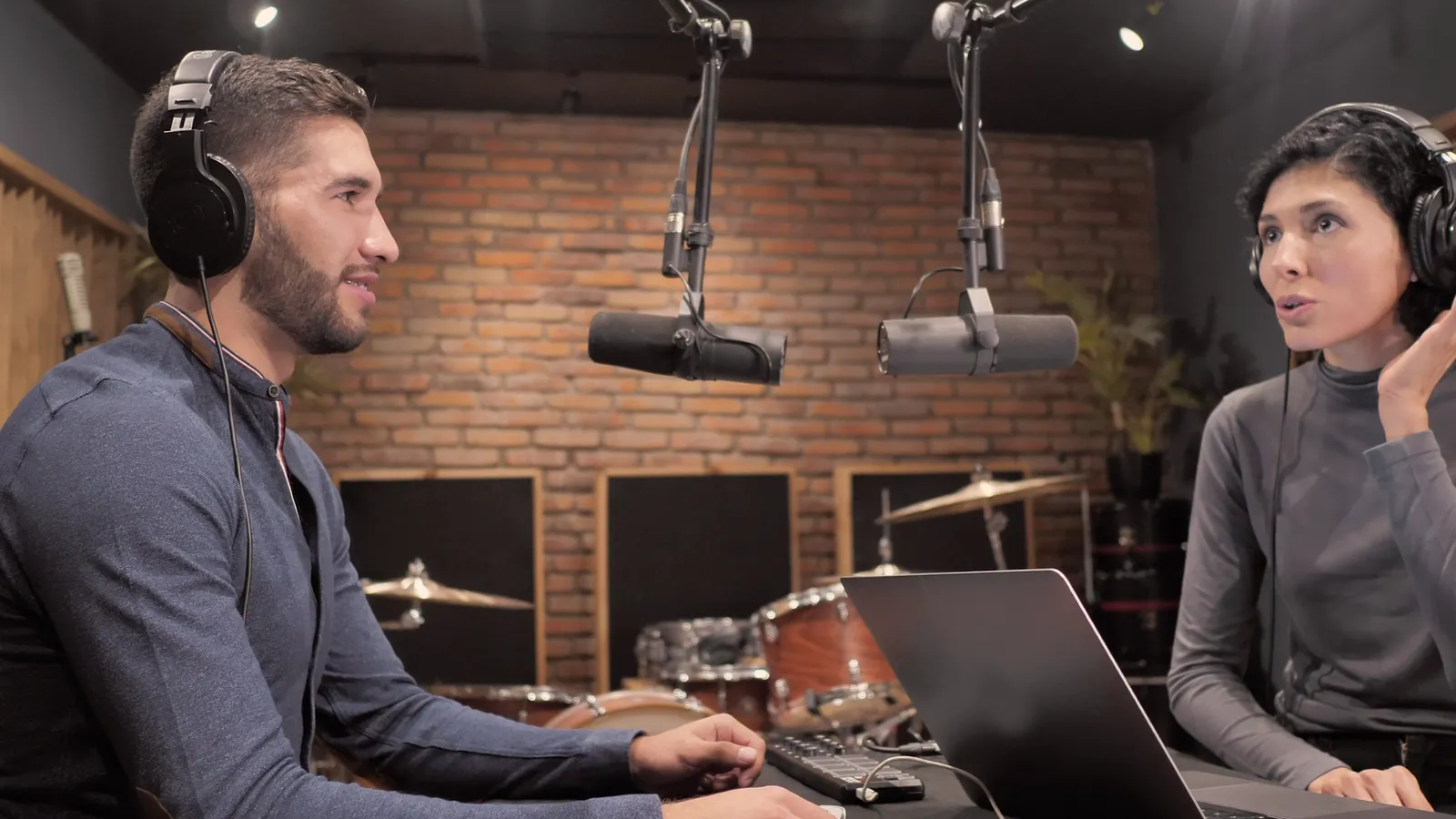
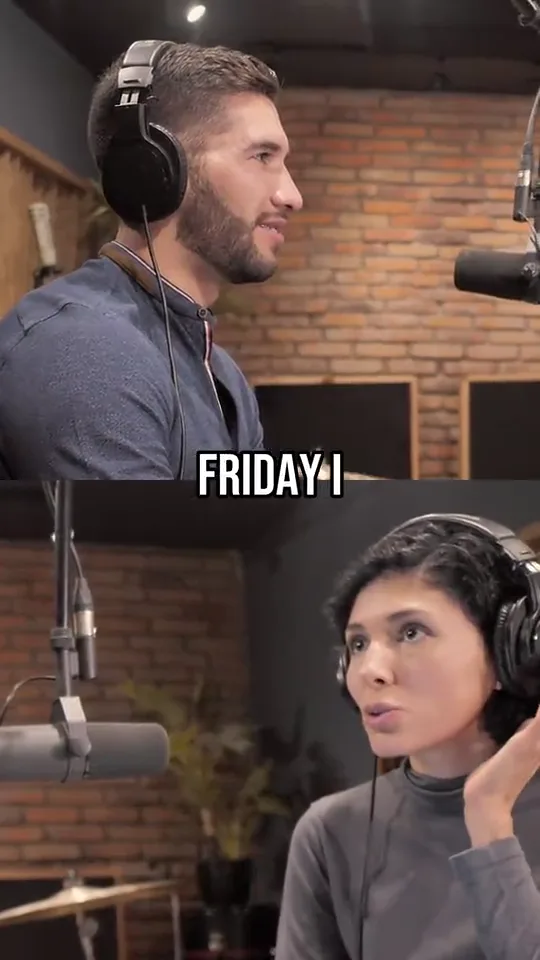
Upload the episode or paste its YouTube link. Audience Labs finds the stories that stand on their own and cuts them into vertical clips with captions burned in. A wide shot of the two of you becomes a split screen, one face above the other.
In private Beta · Free, invite-only.
On airEp. 48: Quitting with a plan1:12:04
Split screen
Both of you in the clip, one above the other.
Cropping a wide shot to vertical leaves room for one face, and the other person's reaction is lost. Split screen keeps the person talking and the person listening in the same clip, framed shot by shot.
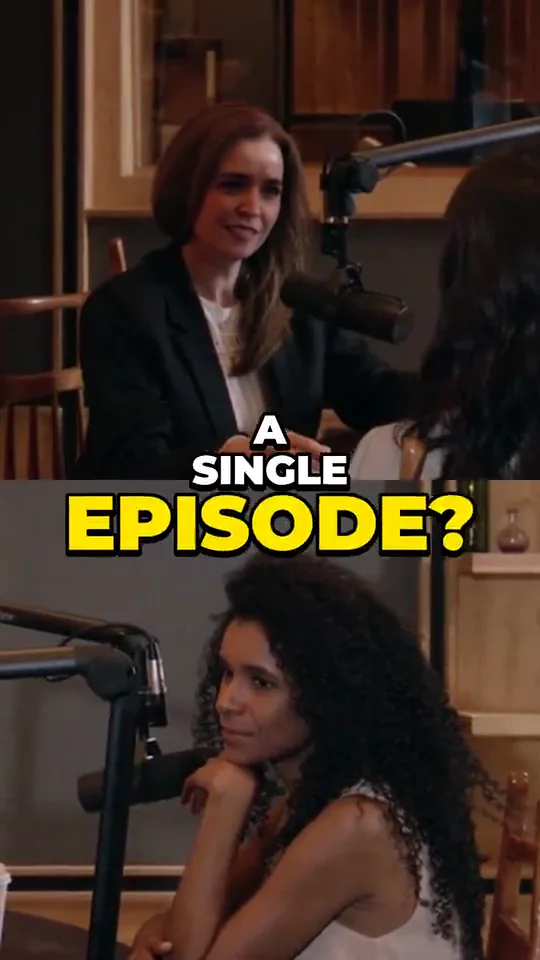
Two people, one shot
One wide shot of the table is enough. Each of you gets half of the frame, framed on your own face, and the captions sit on the seam between you.
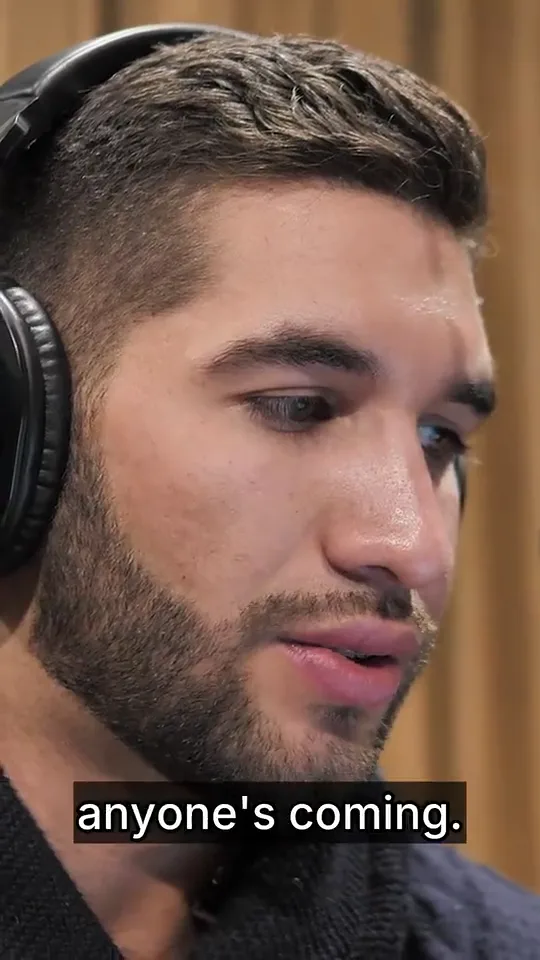
A close-up fills the frame
Edited episodes cut between a two-shot and close-ups. Every shot is framed on its own: the two-shot stacks, a close-up fills the frame and the captions move down with it.
Or follow whoever talks
Rather one face at a time? Follow speaker fills the frame and cuts to whoever is speaking. Switch any clip from one to the other and render it again.
- Swap top and bottomOne switch puts the person on the right on top.
- Three at the tableEach shot stacks the two people who talk most in it.
- Side by side at 16:9For a landscape cut, the two of you sit next to each other.
Stock studio footage of actors, lines written for this page.
Before the analysis
Tell it the video is a conversation.
Each video has a content type, and you can change it until the analysis starts. “Podcast / Interview” sets what gets picked and how the clips look.
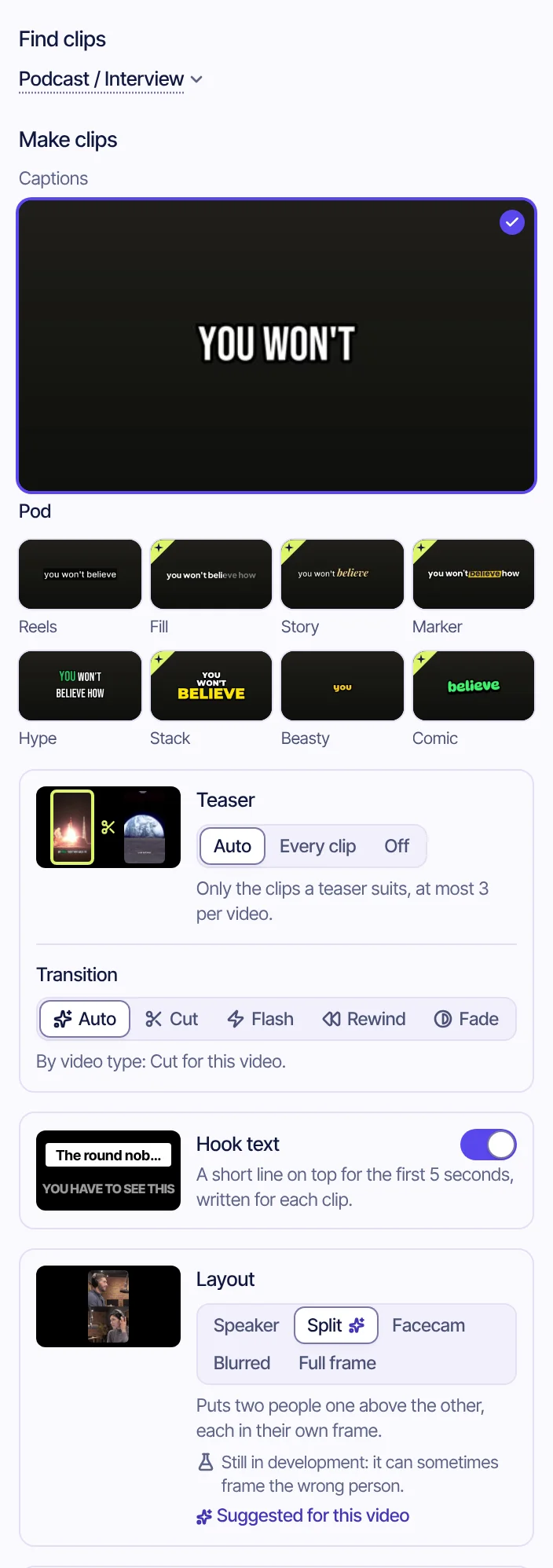
- Podcast / InterviewSet it before the analysis starts. The picks lean toward reveals, confessions, metaphors and lists of takeaways.
- Pod captionsThe caption style suggested for podcasts, previewed next to eight others. Any clip can take its own later.
- TeaserA clip can open with a few seconds of the line it builds to. Auto adds one only where it suits, at most three per episode.
- Hook textA short line on top for the first five seconds, written for each clip.
- Split screen, suggestedThe layout this content type suggests. Pick Follow speaker instead, here or on any clip.
Conversations, interviews, multi-host shows, long anecdotes. Typical clip: 15–30s.
One episode
Seventy-two minutes of talk. Four stories that stand alone.
Host and guest, one hour and twelve minutes. The moments that make sense without the rest of the episode come back as clips, whoever said them, ranked by score.
6:12 · Guest
The reveal
“I quit my job on a Tuesday. By Friday I was recording episode one on my kitchen floor.”
19:47 · Host
The metaphor
“Starting a podcast is like throwing a party and not knowing if anyone's coming.”
31:05 · Guest
The takeaway
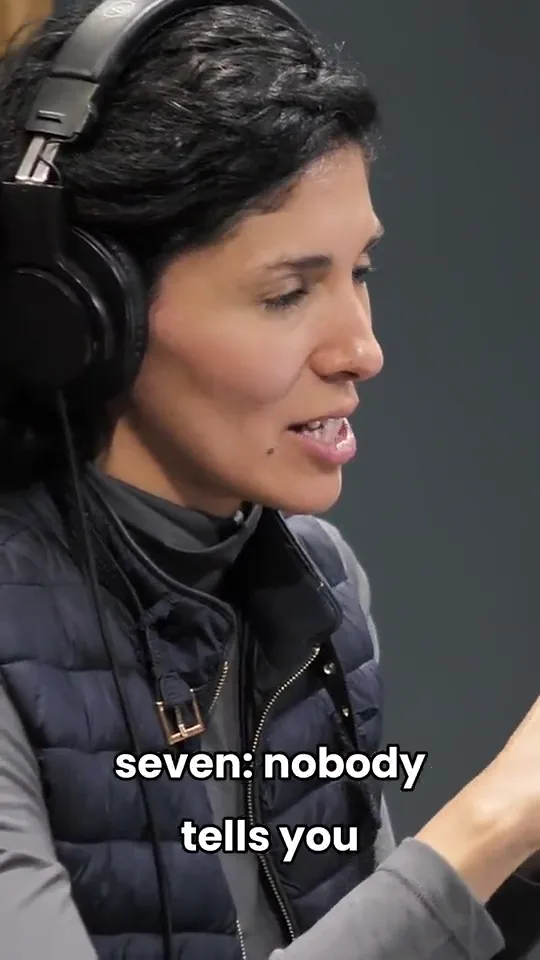
“There's one reason most shows stop at episode seven: nobody tells you what's working.”
44:30 · Host
The confession
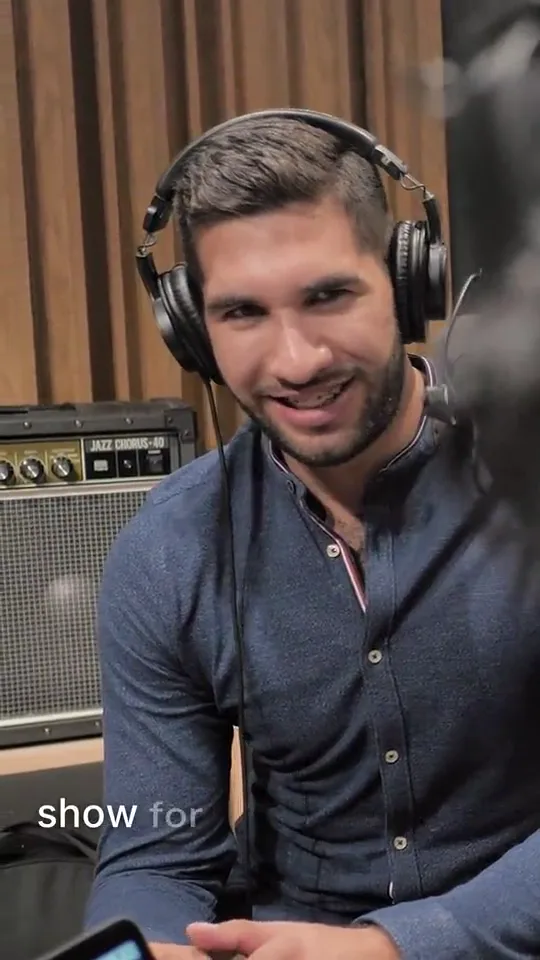
“Honestly? I didn't listen to my own show for the whole first year.”
An invented episode; example lines, written for this page.
After the recording
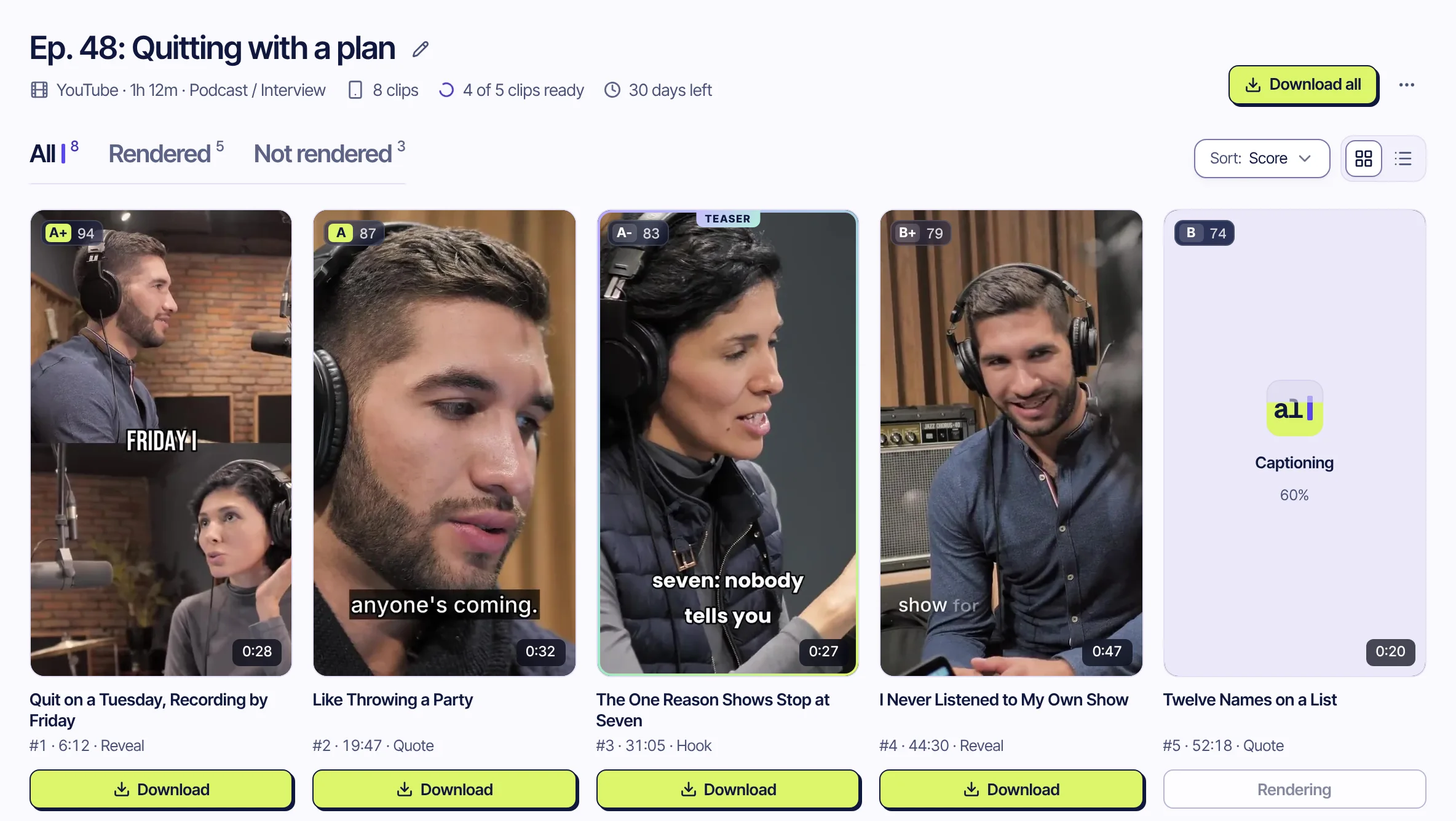
The clips, ranked by score.
Every story renders as a vertical clip with captions burned in. Download one, or all of them at once, and make any clip yours first.
Cut it like an editor
In the clip editor, cut a part out, move parts around or fix a word the transcript got wrong. Each change plays on the clip as you make it.
Your show's look
Your logo on the clip, your intro and outro, b-roll from your own library, and the caption style, size and place you want.
Titles and hashtags
Every clip comes with a title, a caption and hashtags for TikTok, Shorts and Reels, written from what was said. All editable.
Every episode, on its own
Save your YouTube channel and turn on auto import: each new episode is imported and clipped without a paste.
Shows that go out live
Streaming the show? Mark it with “Clip when it ends” and it is picked up a few minutes after you go offline.
9:16, 1:1 or 16:9
Vertical for Shorts, Reels and TikTok, square for feeds, landscape for your main channel. Same clip, its own frame.
The full episode
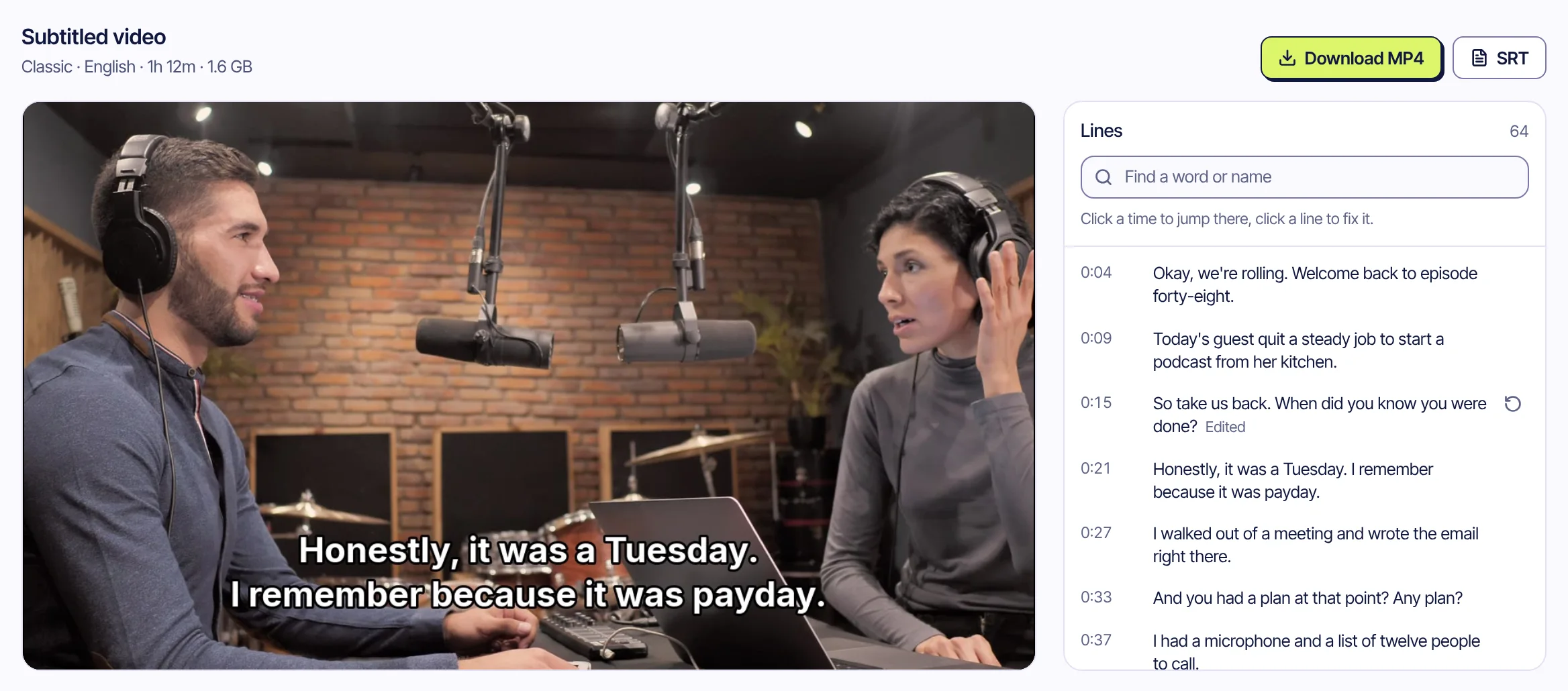
The whole episode, subtitled.
For the version that stays in one piece, pick “Don't clip” before the analysis starts. You get the full episode back with subtitles burned in, an SRT file and a translation if you want one. Fix a name in the line list and render it again.
Questions
What podcasters ask us
Do I need two cameras for split screen?
No. One wide shot with both of you in it is enough. Edited episodes work too: every shot is framed on its own, and a close-up of one person fills the frame.
What if there are three of us, or the shot changes?
Split screen stacks the two people who talk most in each shot. A shot of one person fills the frame and keeps them in it. Split screen is new: when it can't find two faces, the clip comes out like Follow speaker, never as a broken stack.
Which files and links work?
Video files in MP4, MOV, WebM, MKV or M4V, and YouTube video and livestream links. A show streamed live on Twitch or Kick works from its past broadcast. Audio-only episodes aren't supported: the video is what gets clipped.
Can I subtitle the full episode without clipping it?
Yes. Pick “Don't clip” before the analysis starts and you get the whole episode back with subtitles burned in, an SRT file, and a translation if you want one.
Which languages work?
The spoken language is detected automatically. Today the analysis and captions are tuned for English and Turkish.
Does it post to my accounts?
No. Clips are prepared for TikTok, YouTube Shorts and Instagram Reels and wait in a review queue. You download them and decide what goes out.
What does it cost?
It is free during the private beta. Pricing for later hasn't been set, and beta testers will hear about it first.
Your best story is already in last week's episode.
In private Beta · Free, invite-only.
Also for creators, clippers, educators, companies and sports channels.